Phone
Voice AI books on the call
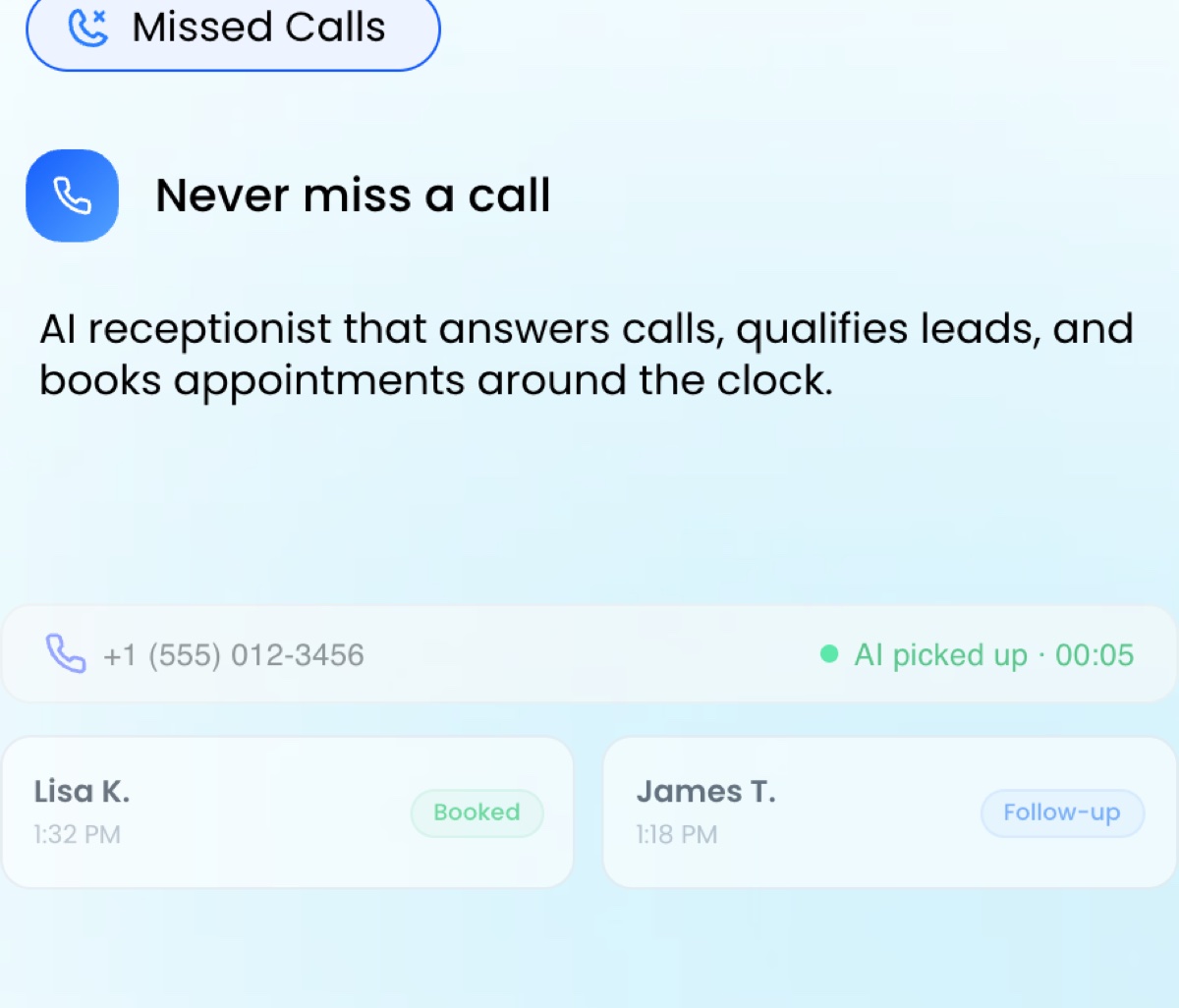
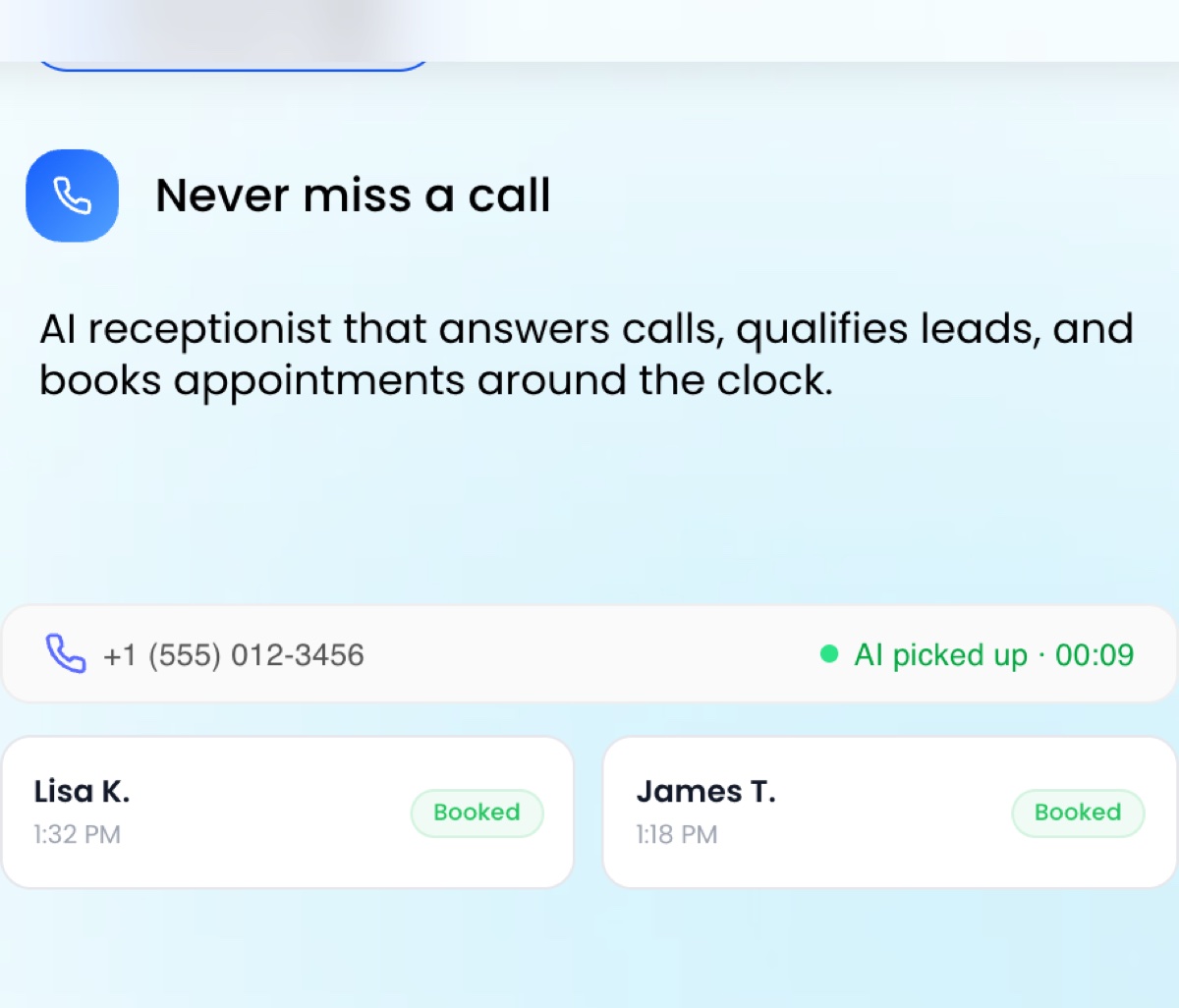
The caller asks for an appointment. The AI asks the reason, the preferred day and the location, reads the calendar and confirms a slot out loud. A text confirmation follows before the call ends.
AI appointment booking · HighLevel AI Employee
AI appointment booking means the AI, not a form, does the scheduling: it asks what the person needs, checks your real availability, offers times, confirms the slot and sends the reminders. HighLevel does this on the phone with Voice AI and by SMS, WhatsApp, Instagram, Facebook and web chat with Conversation AI, both included in AI Employee Unlimited at $97 per month per location.
14-day free trial · Cancel anytime · Onboarding session included
Runs on 

 Top 50 Agentic AI Products, G2 Best Software
Every channel
The booking logic is the same everywhere. What changes is where the conversation starts.
The caller asks for an appointment. The AI asks the reason, the preferred day and the location, reads the calendar and confirms a slot out loud. A text confirmation follows before the call ends.
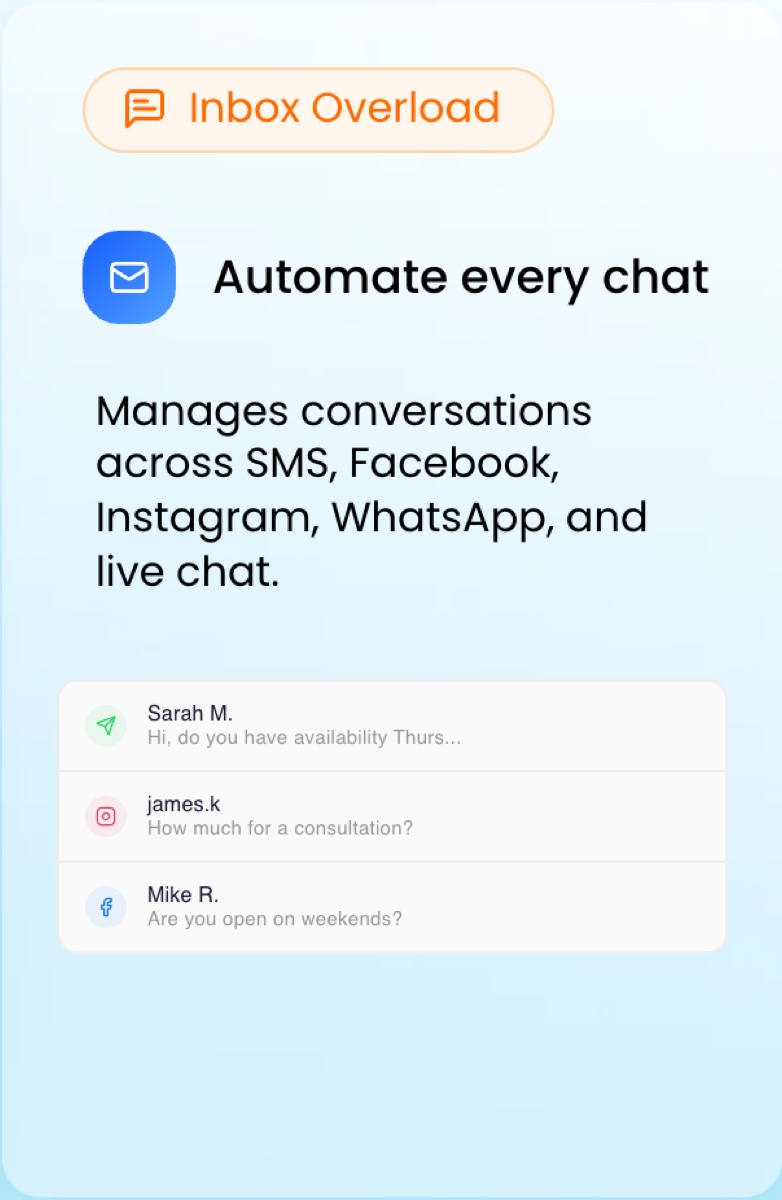
"Do you have anything Thursday afternoon?" The AI answers with two real Thursday slots, holds the one the person picks and writes it in the calendar. Works on SMS, WhatsApp, Instagram, Facebook and web chat.
Reminders go out by text and email. If someone cancels or does not confirm, the AI proposes new times and refills the slot. Every step is a workflow you can see and edit.
How it books
Four moves, identical on the phone and in a message. The calendar rules you set in HighLevel decide what the AI is allowed to offer.
By phone, by text or from the chat widget on your site. The AI recognizes the intent to book and switches to its scheduling goal.
Service, duration, location, new or returning customer, anything you added to the script. The answers decide which calendar and which team member the slot goes to.
Availability comes from the HighLevel calendar: working hours, buffers, capacity per slot, days off. The AI proposes two or three times, confirms the choice and creates the appointment.
The person gets a confirmation and reminders. A no-show or a cancellation triggers a reschedule offer. The appointment sits on the contact card next to the transcript or the message thread.
Real booking rates
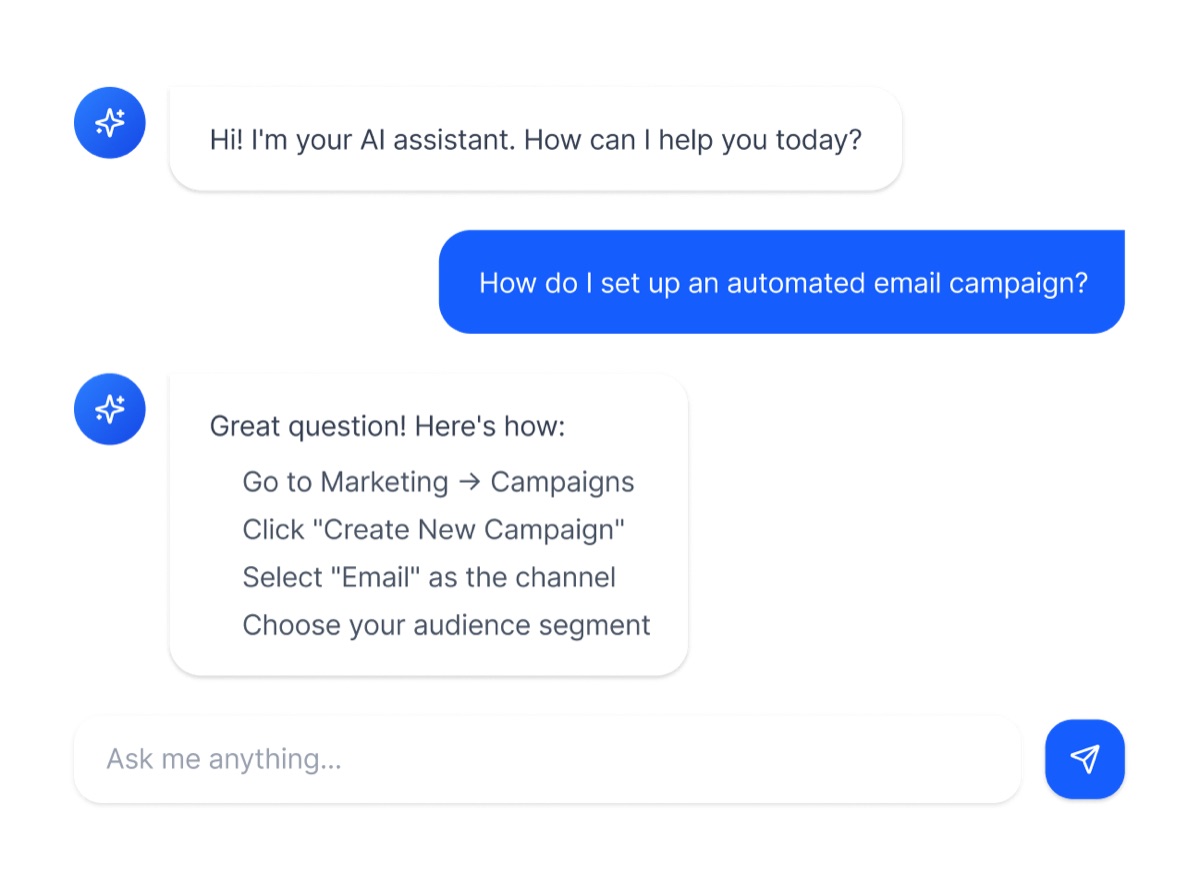
AutogenCRM, a HighLevel agency, tested Conversation AI across 12 sub-accounts over four months. The booking rate depended on the request far more than on the channel. These are one agency's test results, not figures published by HighLevel. Source: AutogenCRM, HighLevel AI review (April 2026).
Routine service inquiries such as an HVAC tune-up, a dental cleaning or a basic legal consultation. The person already knows what they want, so the AI only has to find a free slot and confirm it.
Roofing replacements above $15,000, marketing retainers, custom software. Buyers want to discuss scope and price with a person first, so most of these conversations end in a handoff rather than a slot.
Let the AI take the calls and messages that end in a standard appointment, and route quote requests to a human callback. That split is what a 14-day trial can prove on your own calendar.
Versus what you use today
A booking link works when the person is already decided and at a keyboard. The AI works when they are on the phone, in a DM, unsure, or calling at 9 pm.
| Booking link (Calendly-style) | Receptionist | HighLevel AI Employee | |
|---|---|---|---|
| Books from a phone call | No | During opening hours | Yes, 24/7 |
| Books from SMS, WhatsApp, Instagram DMs | Only if you paste the link | By hand | Yes, in the conversation |
| Asks qualifying questions first | A form, if the person fills it | Yes | Yes, adapts to the answers |
| Picks the right calendar or staff member | Fixed per link | Yes | Yes, from the answers and your routing rules |
| Reminders and no-show recovery | Reminders yes, recovery no | By hand | Automatic, with reschedule offers |
| Monthly cost | Free to a few dollars per user | A salary | $97 per location on top of the HighLevel plan |
The HighLevel plan includes its own booking links and calendar pages, so the AI is added on top of a link, not instead of it. Calls and texts are billed at carrier rates inside HighLevel.
Voice AI is the absolute industry disruptor! It's changing how we handle every single client interaction.
Pricing
Voice AI and Conversation AI are part of AI Employee. Three billing options exist; a scheduling assistant that stops answering when a cap is reached loses the bookings it was meant to catch.
$0monthly AI fee, each action billed on use
No AI subscription. Every call minute, message or generation is billed as it happens.
Best for: a quick test of one feature at very low volume.
Start a trial anyway$50per month, per location
A monthly allowance across the AI tools. Once the cap is reached, the AI stops until next month or you upgrade.
Best for: light, predictable usage where a cap is acceptable.
Start a trial anyway$97per month, per location
The AI answers every call and every message, all month, subject to fair use. This is the plan the whole page is about.
Best for: any business that wants the phone and the inbox covered without watching a meter.
Start the 14-day trialAI Employee is an add-on to a HighLevel plan, not a standalone product. A single business takes the Starter plan at $97 per month and adds AI Employee Unlimited at $97: $194 per month in total, plus call and text usage billed by the carrier rates inside HighLevel. In exchange you get the CRM, calendar, pipeline, funnels and automations the AI plugs into.
The 14-day plan
The trial gives you the whole platform for 14 days: calendar, inbox, Voice AI and Conversation AI. Use it on one calendar first.
Create the account, set up one calendar with real hours, buffers and capacity, connect Google or Outlook if you use them. Write the booking script: services, durations, questions, what to do with emergencies. Book the onboarding session.
Start with the channel you miss the most: after-hours calls, or the DMs nobody answers. Read every booking the AI made, check it landed in the right calendar with the right duration. Fix the script where it asked one question too many.
Appointments booked by the AI, no-shows recovered, hours your team did not spend on the phone. Compare with your current tool and its monthly cost. Keep it, or cancel from the account settings before day 14.
Is it for you
Inside the product
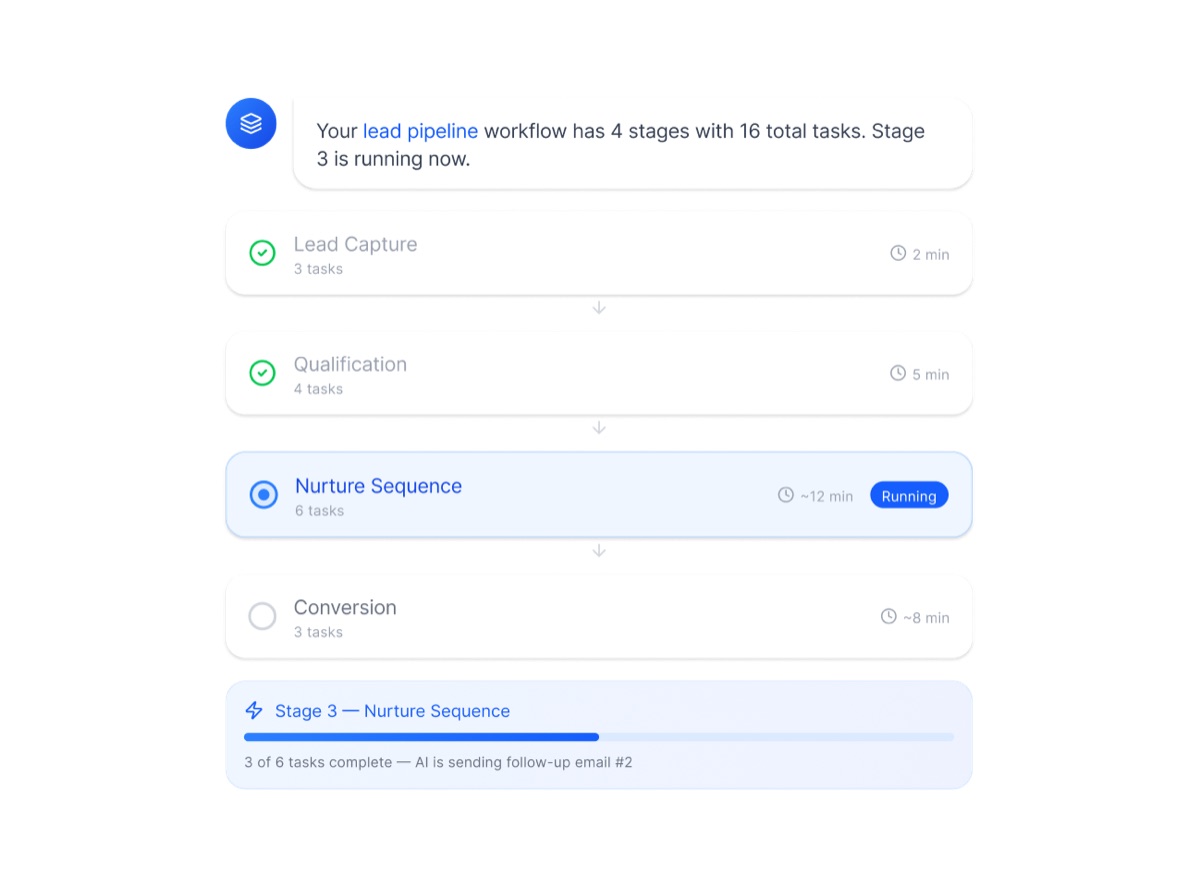
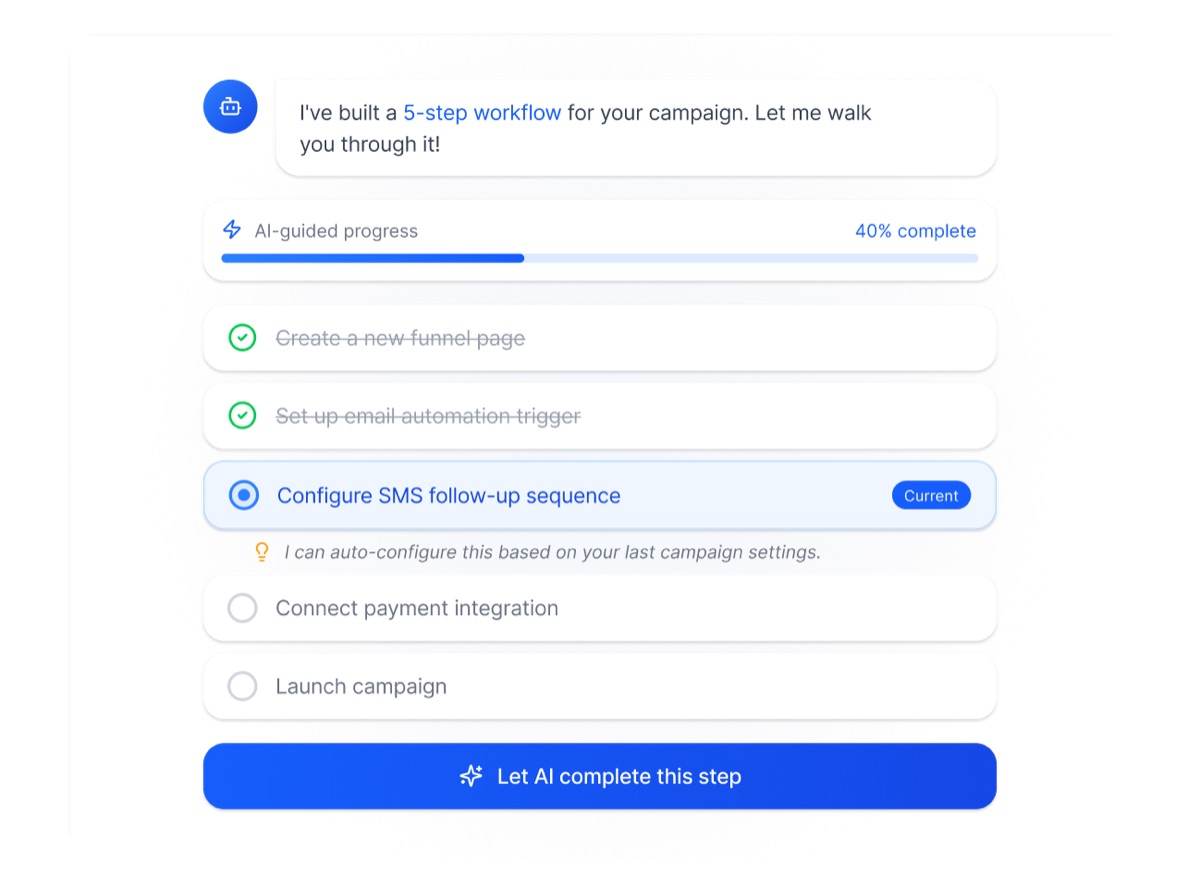
HighLevel's own interface visuals for the tools the AI Scheduler relies on.
FAQ
Yes. It reads the HighLevel calendar you connect, with its working hours, buffers, capacity per slot and days off. If you sync Google Calendar or Outlook, existing events block the slots. The AI never offers a time that is not free.
Yes. HighLevel calendars can be round-robin, per staff member, per service or per location. The AI asks the questions you define and routes the booking to the matching calendar.
Confirmation and reminders go out by SMS and email through workflows you can edit. When someone does not confirm or cancels, a workflow can have the AI propose new times and refill the slot.
The HighLevel Starter plan at $97 per month, plus AI Employee Unlimited at $97 per month per location: $194, plus calls and texts at carrier rates. The Growth plan at $50 has monthly caps and Pay-Per-Use bills each action, neither of which suits a booking line that must always answer. See the full pricing for what each plan includes.
Yes. HighLevel includes booking links and calendar pages in every plan. The AI adds the phone and the messaging channels on top; a person who prefers the link still books with the link, into the same calendar.
Yes. Conversation AI answers WhatsApp, Instagram DMs, Facebook Messenger, SMS and web chat, and books in the conversation. Each channel is connected once in the HighLevel settings.
One calendar and one script take an afternoon. Plan the first days of the 14-day trial for that, then let the AI book on a single channel before opening the others.
Fourteen days, the full platform, your real requests. Judge it on the appointments it books that a link or a voicemail would have lost.
Start the 14-day free trial14-day free trial · Cancel anytime · Onboarding session included